OutaCloud Calculator v1.1: Migration Costs Explained
 Timo Wevelsiep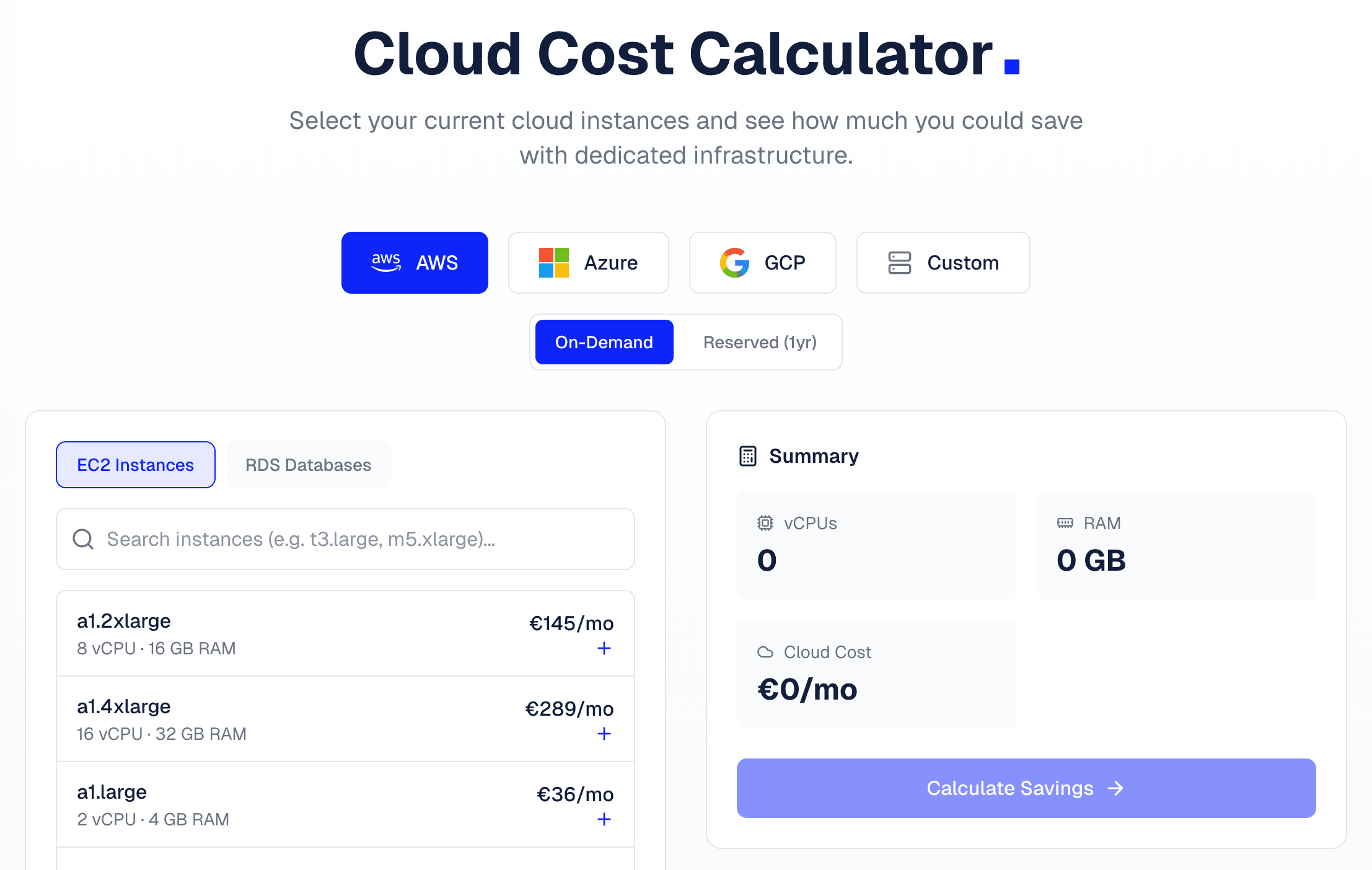
With the update to version 1.1, our Cost Calculator now displays an estimated price range for migration. In this post, we explain how this calculation works and what factors influence the actual migration costs.
Table of Contents
What's New in v1.1
The key update: The calculator now shows an estimated migration fee once you've calculated your savings. This range is based on 4 to 6 times your monthly savings.
Why this formula?
From our previous migration projects, we know that the investment in a migration typically pays for itself within 4 to 6 months. A customer saving €1,000 per month can expect migration costs between €4,000 and €6,000. After six months at most, the migration has paid for itself — after that, every euro saved is pure profit.
This range gives you an initial orientation. The actual costs depend on several factors, which we'll explain below.
What Influences Migration Costs?
Migration costs consist of two main components: setting up the target infrastructure and the actual migration of your workloads.
Target Infrastructure Setup (Proxmox)
Before your VMs and services can be migrated, the new infrastructure needs to be in place. This effort includes:
Cluster Design and Installation
Based on your requirements, we design the optimal Proxmox cluster architecture. This includes the number of nodes, resource distribution, and planning for future growth. Installation and basic configuration of Proxmox VE is performed on all servers.
Network Configuration
A clean network setup is crucial for performance and security. We configure VLANs to separate different network segments, set up firewall rules, and ensure that communication between nodes and externally works optimally.
Storage Setup
Depending on requirements, we implement various storage solutions:
- ZFS for local storage with snapshots and compression
- Ceph for distributed storage across multiple nodes with redundancy
- NFS/iSCSI for connection to external storage systems
The choice depends on your performance requirements, budget, and desired redundancy.
High Availability (HA)
For production-critical workloads, we configure Proxmox HA. If a node fails, VMs are automatically restarted on another node. This requires at least three nodes and appropriate shared storage.
Need help with your Proxmox cluster? Our Proxmox Support assists you with design, installation, and operation.
Migration Type: Lift & Shift vs. Refactoring
The biggest cost factor is the type of migration. We distinguish between two fundamental approaches:
Lift & Shift (Simpler, Cheaper)
With Lift & Shift, we transfer your VMs and containers largely unchanged to the new infrastructure. This is possible when:
- Your workloads run on standard VMs (EC2, Azure VMs, GCE)
- There are no deep dependencies on cloud-specific services
- The operating system and applications work on dedicated hardware
Typical tools and methods:
- Image export and import
- Block-level copies with
ddor similar tools - File-based migration with
rsync - Proxmox native migration tools
Lift & Shift is the fastest and cheapest approach. A typical VM migration takes a few hours to a day, depending on data volume.
Refactoring (More Complex, More Expensive)
Refactoring is necessary when cloud-native services need to be replaced by self-managed alternatives. This primarily affects:
Managed Databases
AWS RDS, Azure SQL, or Cloud SQL offer features like automatic backups, point-in-time recovery, and read replicas out of the box. When migrating to Proxmox, these features must be configured manually:
- Installation and configuration of PostgreSQL, MySQL, or MariaDB
- Setup of backup jobs and retention policies
- Configuration of replication for high availability
- Monitoring integration
Serverless and FaaS
AWS Lambda, Azure Functions, or Cloud Run have no direct equivalent on dedicated infrastructure. Alternatives include:
- Container-based deployments with Docker/Podman
- Kubernetes for more complex setups
- Traditional application servers
Managed Services
Services like AWS SQS, SNS, ElastiCache, or Cloud CDN must be replaced with self-hosted alternatives (RabbitMQ, Redis, custom CDN setup).
Refactoring requires more planning effort, testing, and often adjustments to application code. The effort can be significant, but the result is a fully controlled infrastructure without vendor lock-in.
Additional Factors
Number of VMs and Services
More VMs mean more migration effort. However, with larger setups, we can work more efficiently since many steps are repetitive or can be parallelized.
Downtime Requirements
Migration with minimal downtime requires more elaborate procedures like live migration or database replication with cutover. With plannable maintenance windows, the effort is lower.
Compliance and Documentation
Regulated industries (financial sector, healthcare) often require additional documentation, audit trails, and certifications. This factors into the overall effort.
Example Scenarios
To make the cost range tangible, here are three typical scenarios:
Scenario 1: Small Setup (Lower End of Range)
- 3 standard EC2 instances (web server, app server, database)
- No cloud-native dependencies
- Planned maintenance window possible
Migration: Classic Lift & Shift. VMs are exported and imported to Proxmox. IP addresses and DNS are switched over. Effort: a few days.
Scenario 2: Medium Setup (Middle of Range)
- 10 EC2 instances for various services
- 1 RDS PostgreSQL instance (managed)
- S3 for file storage
Migration: Lift & Shift for EC2 instances. Refactoring for RDS (self-managed PostgreSQL with pgBackRest for backups). S3 is replaced by MinIO or local storage. Effort: 1-2 weeks.
Scenario 3: Complex Setup (Upper End of Range)
- 25+ VMs across multiple AWS accounts
- RDS, ElastiCache, SQS in use
- Lambda functions for background jobs
- Minimal downtime required
Migration: Combination of Lift & Shift and extensive refactoring. Lambda is rebuilt as container workloads. Managed services are replaced with self-hosted alternatives. Live migration for critical systems. Effort: several weeks to months.
Conclusion
The new Calculator v1.1 gives you a transparent initial estimate of migration costs. The displayed range (4-6x monthly savings) is a solid benchmark that has proven accurate in our projects.
The actual costs depend on your specific situation — particularly whether simple Lift & Shift is possible or refactoring is needed.
Next Steps:
- Try the calculator and calculate your savings
- Request a detailed migration analysis via the form
- We'll get back to you with a customized quote
After migration, you'll benefit not only from lower running costs but also from our Proxmox Monitoring for secure operation of your new infrastructure.
Cloud Migration Service
Break free from the cloud cost trap - up to 90% savings.